> ## Documentation Index
> Fetch the complete documentation index at: https://help.mercury360.com/llms.txt
> Use this file to discover all available pages before exploring further.
# Organization Management Overview | Manage Company Details and Settings
View and manage your organization information, locations, branding, and subscription details.
Changes made here affect how your organization appears across the platform.
## What you can do here
* Manage company information
* Manage organization locations
* View subscription overview
* Review organization owner information
* Update branding and company description
## When to use this
Use this when you need to:
* Update organization information
* Add or manage company locations
* Review subscription details
* Update company branding
* Edit the company description
## Access Organization Management
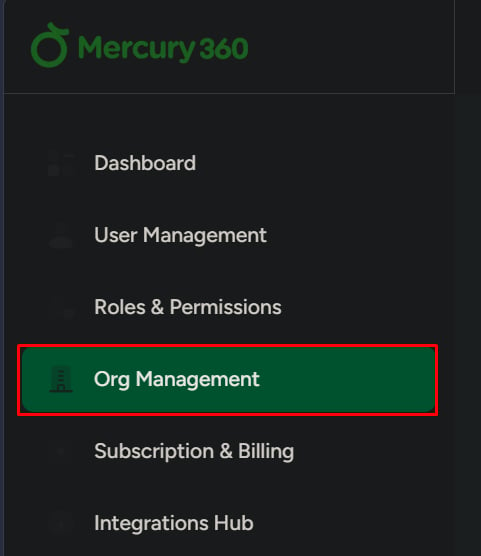
Click **Organization Management** from the left navigation panel.
The right side displays organization settings and details.
 ## Areas in Organization Management
Basic organization details like name, email, website, industry, and size.
Manage office locations used across workflows.
Current plan and module list, with a shortcut to Subscription & Billing.
Owner identity and designation for the organization.
Company description and public-facing info.
Product-level theme/brand color controls (where available).
## Subscription overview
This section displays:
* Current subscription plan
* Available modules
Click **View All** to open **Subscription & Billing**.
## Areas in Organization Management
Basic organization details like name, email, website, industry, and size.
Manage office locations used across workflows.
Current plan and module list, with a shortcut to Subscription & Billing.
Owner identity and designation for the organization.
Company description and public-facing info.
Product-level theme/brand color controls (where available).
## Subscription overview
This section displays:
* Current subscription plan
* Available modules
Click **View All** to open **Subscription & Billing**.