> ## Documentation Index
> Fetch the complete documentation index at: https://help.mercury360.com/llms.txt
> Use this file to discover all available pages before exploring further.
# Subscription & Billing Overview | Review Plans, Usage, and Billing
> Understand how subscription and billing works, where to view invoices, and how to manage plan changes.
Use **Subscription & Billing** to manage your organization’s plan, billing details, and invoice history.
This section is typically available to organization owners and billing admins.
## What you can do here
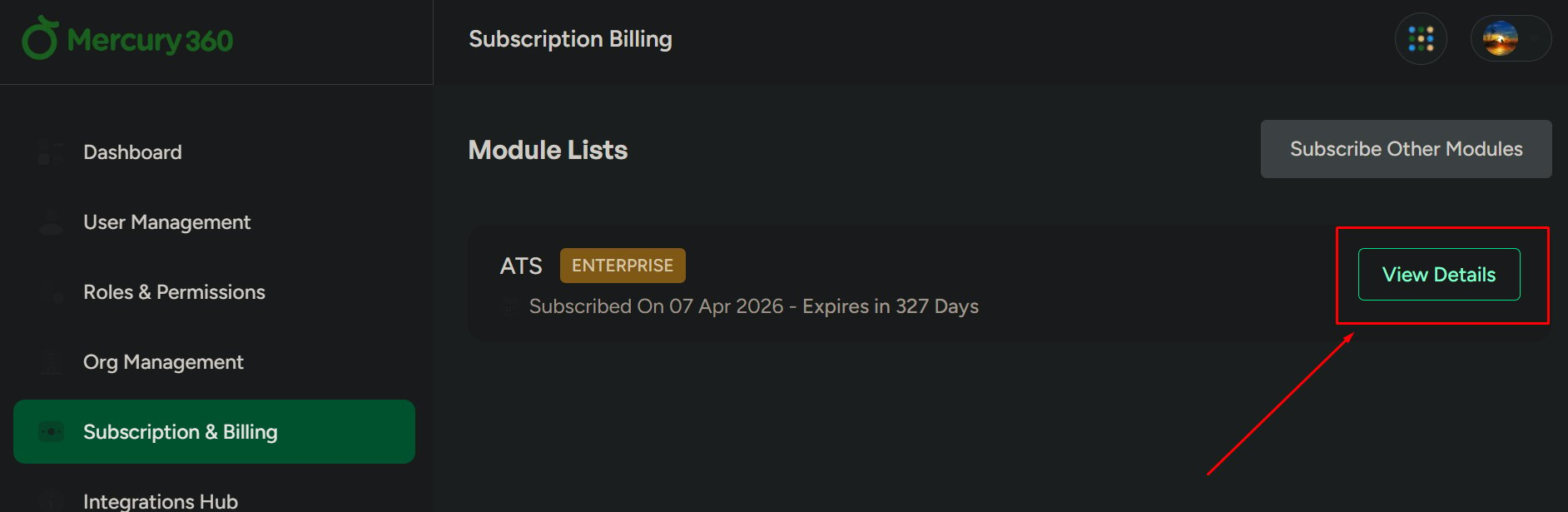
* View your current subscription and billing status
* Review invoices and payment history
* Update billing-related information (based on your role/permissions)
* Manage plan changes (upgrade/downgrade) if enabled
## When to use this
Use this when you need to:
* Confirm your current plan
* Check renewal or billing status
* Download invoices for accounting
* Troubleshoot billing-related access or payment issues
## Where to find it
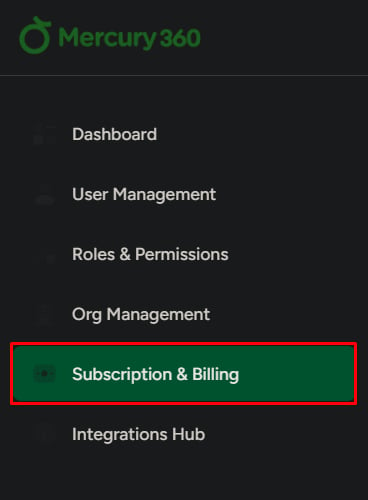
Open **Configuration** (or **Accounts**, depending on your setup).
Go to **Subscription & Billing**.
 ## What to be careful about
Changes to subscription or billing can affect access, limits, and features across your organization. Review changes carefully before saving.
## Related pages
Update plan details, billing settings, and subscription configuration.
View and download invoices and review payment history.
## What to be careful about
Changes to subscription or billing can affect access, limits, and features across your organization. Review changes carefully before saving.
## Related pages
Update plan details, billing settings, and subscription configuration.
View and download invoices and review payment history.