
.png?fit=max&auto=format&n=wMd7bxoi6I_Hm3IN&q=85&s=fe686234f9638b0fbfbc991ca32f7bc3)
Changes made here affect how your organization appears across the platform.
What you can do here
- Manage company information
- Manage organization locations
- View subscription overview
- Review organization owner information
- Update branding and company description
When to use this
Use this when you need to:- Update organization information
- Add or manage company locations
- Review subscription details
- Update company branding
- Edit the company description
Access Organization Management
1
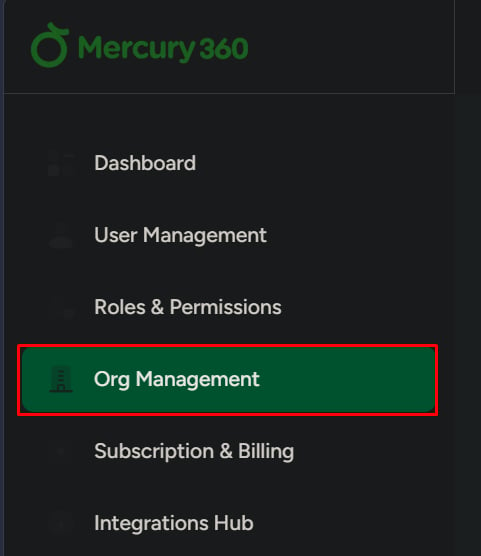
Open Organization Management
Click Organization Management from the left navigation panel.
2
Review settings
The right side displays organization settings and details.
Areas in Organization Management
Company information
Basic organization details like name, email, website, industry, and size.
Company locations
Manage office locations used across workflows.
Subscription overview
Current plan and module list, with a shortcut to Subscription & Billing.
Organization owner
Owner identity and designation for the organization.
Company details
Company description and public-facing info.
Brand colors
Product-level theme/brand color controls (where available).
Subscription overview
This section displays:- Current subscription plan
- Available modules