
.png?fit=max&auto=format&n=wMd7bxoi6I_Hm3IN&q=85&s=fe686234f9638b0fbfbc991ca32f7bc3)
This section is typically available to organization owners and billing admins.
What you can do here
- View your current subscription and billing status
- Review invoices and payment history
- Update billing-related information (based on your role/permissions)
- Manage plan changes (upgrade/downgrade) if enabled
When to use this
Use this when you need to:- Confirm your current plan
- Check renewal or billing status
- Download invoices for accounting
- Troubleshoot billing-related access or payment issues
Where to find it
1
Open Configuration (or Accounts, depending on your setup).
2
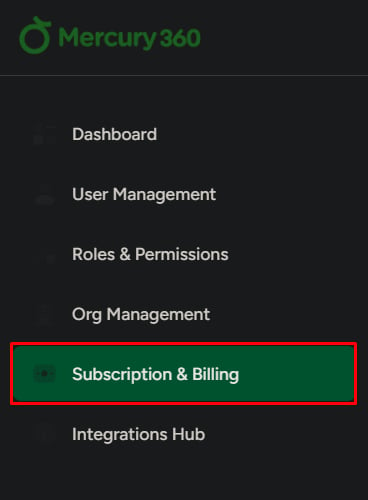
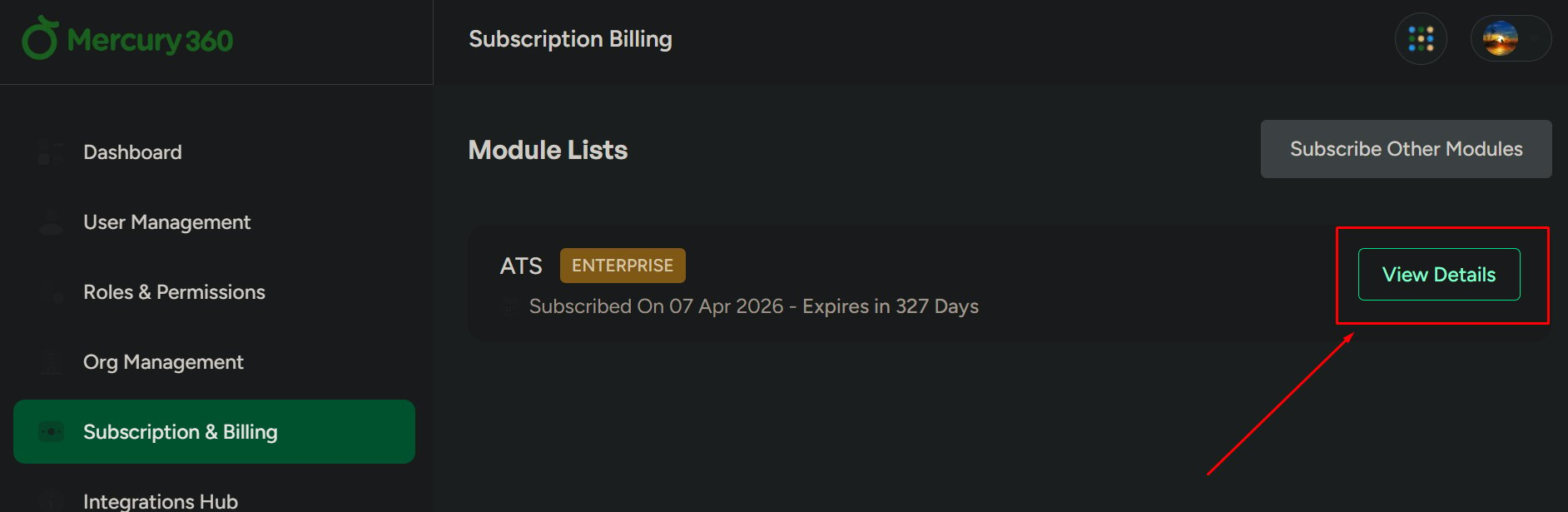
Go to Subscription & Billing.
What to be careful about
Related pages
Manage subscription
Update plan details, billing settings, and subscription configuration.
Invoices & billing history
View and download invoices and review payment history.