
.png?fit=max&auto=format&n=wMd7bxoi6I_Hm3IN&q=85&s=fe686234f9638b0fbfbc991ca32f7bc3)
Emails sent from here are linked to candidates and their hiring stage, helping you track communication history in context.
When to use this
Use this when:- You need to contact multiple candidates at once
- You want to send stage-based communication (for example, interview instructions)
- You want consistent messaging using templates
Start composing
1
Go to Emails.
2
Click Compose Email.
3
Follow the guided step-by-step flow.

Step 1: Select a job
Choose one or more jobs. This defines which candidates are available.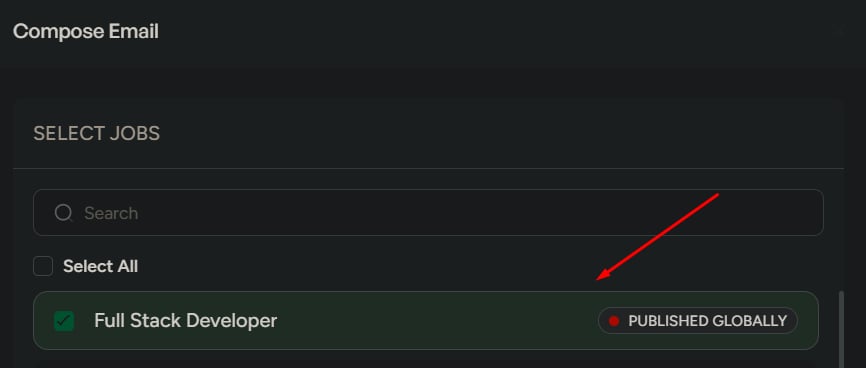
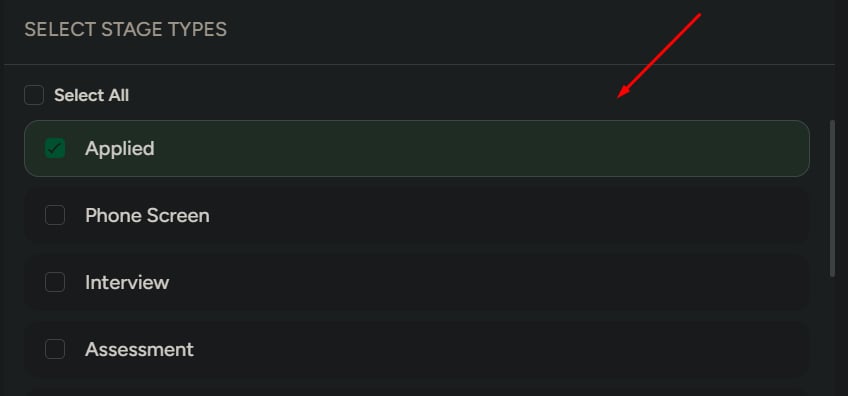
Step 2: Select a stage
Choose one or more stages to filter candidates by their pipeline stage:- Applied
- Phone screen
- Interview
- Assessment
- Document verification
- Offered
- Hired
- Disqualified
Step 3: Select candidates
Choose the candidates you want to email. You can select multiple candidates.Step 4: Review selection
Before writing the email, confirm:- Selected jobs
- Selected stages
- Selected candidates
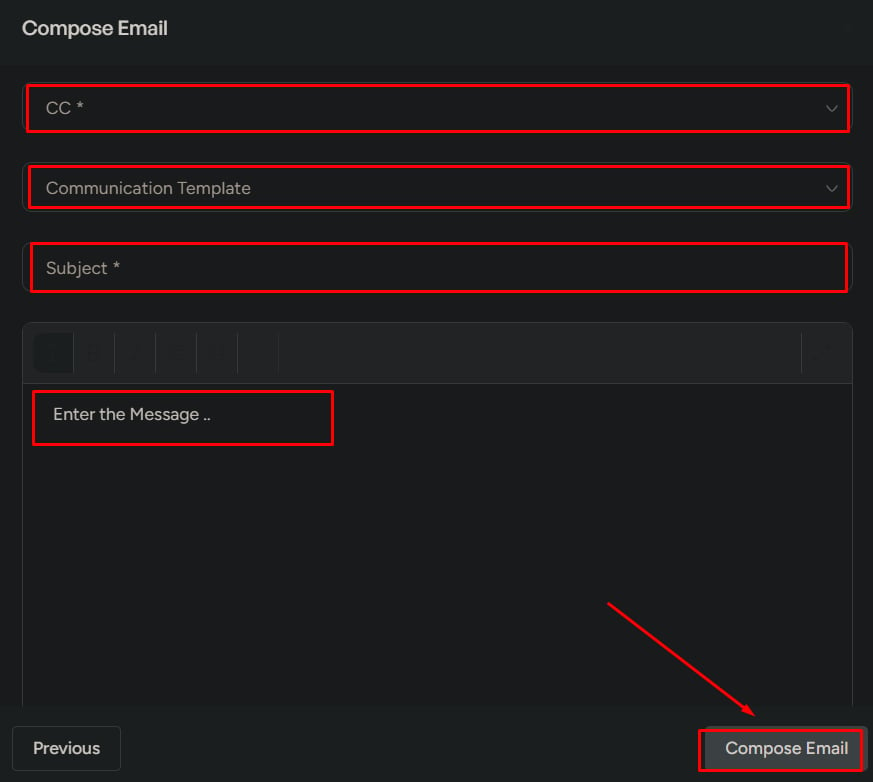
Step 5: Write the email
Fill in:- CC
- Template (optional)
- Subject
- Message
- Attachments (optional, max 5 MB)
Step 6: Send the email
1
Click Compose Email to send.
What to watch for
Common mistakes to avoid:- Wrong candidates selected
- Wrong stage selected
- Sending a bulk email without review
- Unclear or incorrect messaging
What this is not for
Do not use Compose Email for:- Internal team communication
- Personal emails
- One-to-one casual messaging
Compose Email is intended for structured hiring communication linked to jobs and candidates.