.png?fit=max&auto=format&n=wMd7bxoi6I_Hm3IN&q=85&s=fe686234f9638b0fbfbc991ca32f7bc3)
When to use this
Use this when:- Emails are missing
- Too many irrelevant emails are visible
- The inbox feels slow or overloaded
- You want to control how much data is synced
Open Sync Settings
1
Go to Emails.
2
Click Sync Now.

Sync options
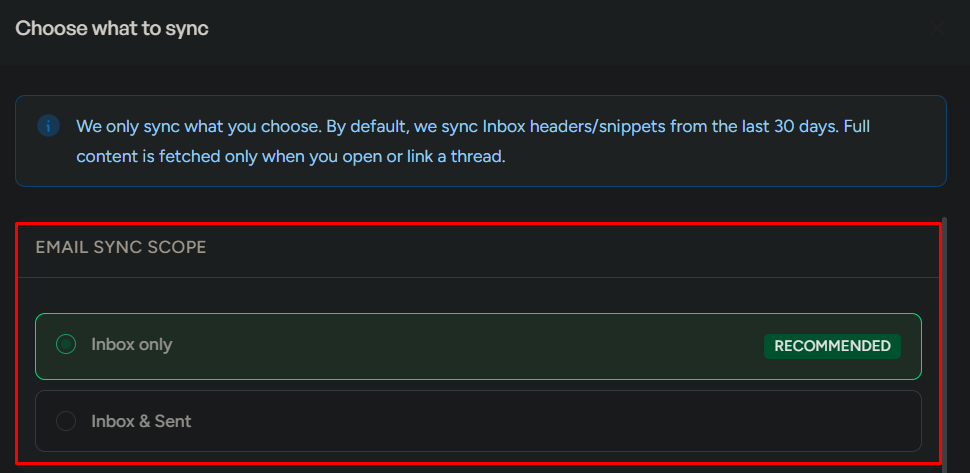
Each option changes what data is pulled and can impact performance.Email sync scope
Choose what mailboxes are included:- Inbox only (recommended)
- Inbox & Sent
- You mainly read incoming emails
- You want faster performance
- You need full conversation tracking
- You want complete visibility across inbound and outbound messages
A wider scope improves context but can add noise and slow sync, especially for high-volume mailboxes.
Content level
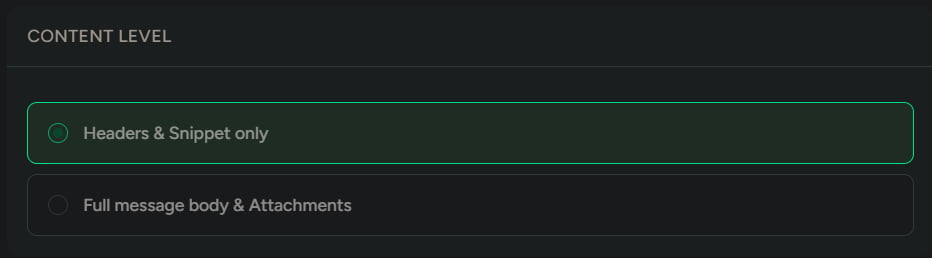
Choose how much content is synced:- Headers & snippet only (recommended)
- Full message body & attachments
- You want faster loading
- You don’t need full content immediately
- You frequently open emails in the system
- You need attachments and full details available without delay
Time range
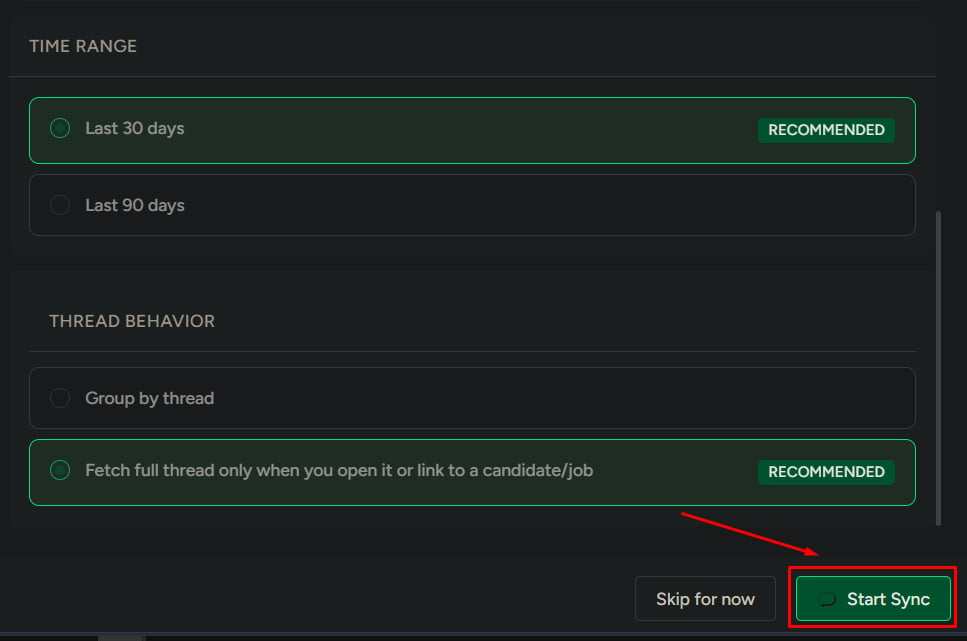
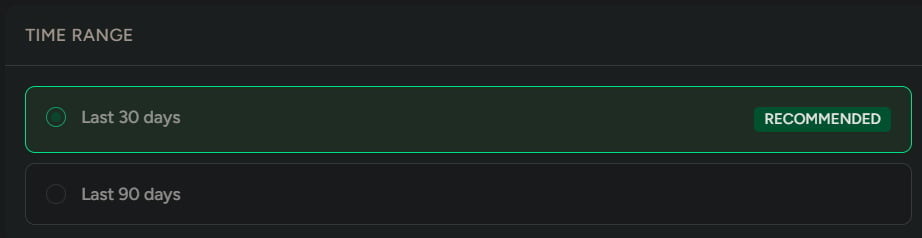
Choose how far back emails are fetched:- Last 30 days (recommended)
- Last 90 days
- Daily usage
- Faster sync performance
- Audits
- Reviewing older communication
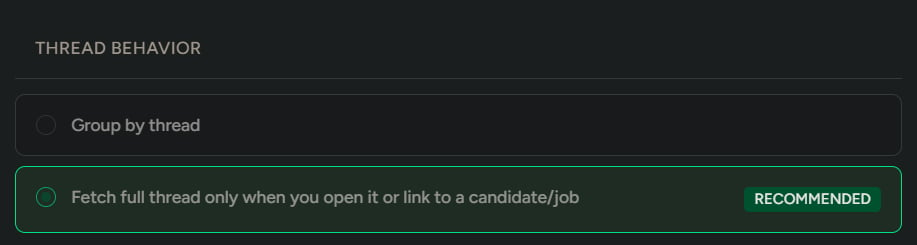
Thread behavior
Choose how conversations are handled:- Group by thread
- Full thread loads only when opened
Start sync
1
Click Start.