
.png?fit=max&auto=format&n=wMd7bxoi6I_Hm3IN&q=85&s=fe686234f9638b0fbfbc991ca32f7bc3)
When to use this
Use this when you need to:- Update your profile image
- Change your phone number
- Update your time zone
- Change your account password
Open your profile
1
In the top bar, click your name.
2
Select Profile.

Update profile details
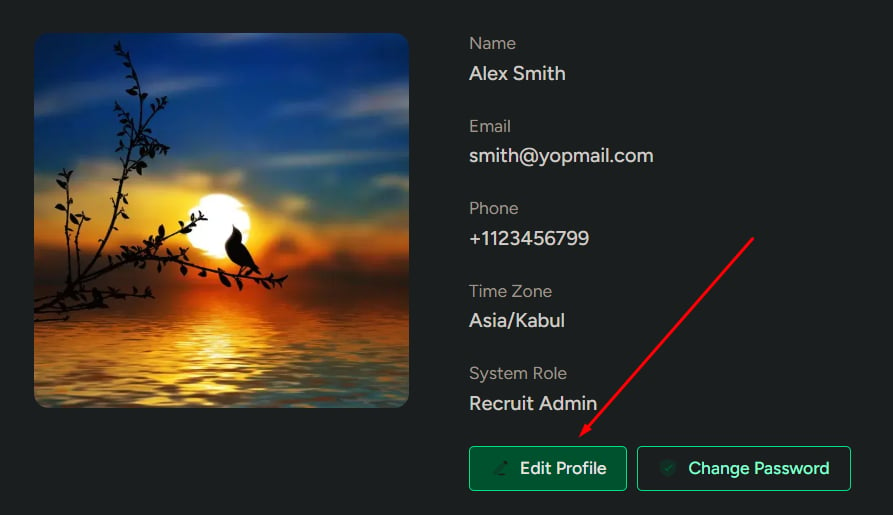
1
Click Edit Profile.
2
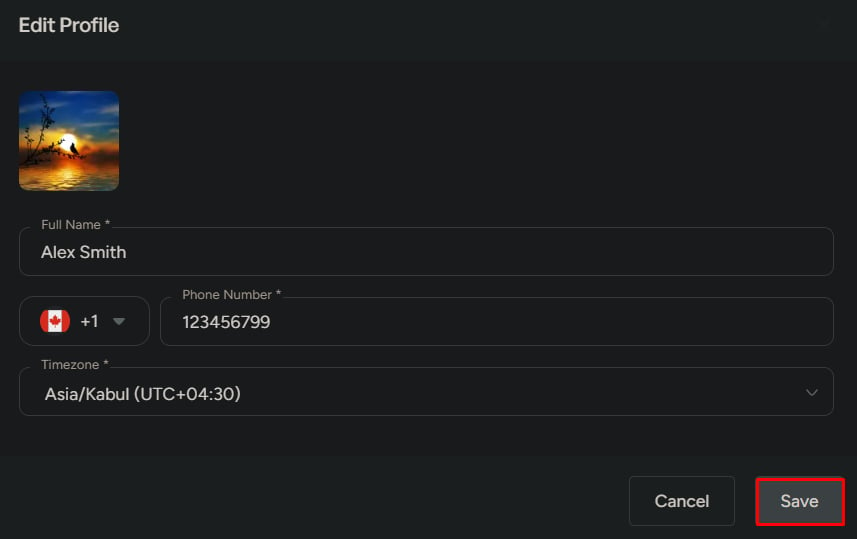
Update any of the following:
- Profile image
- Phone number
- Time zone
3
Click Save.
Change your password
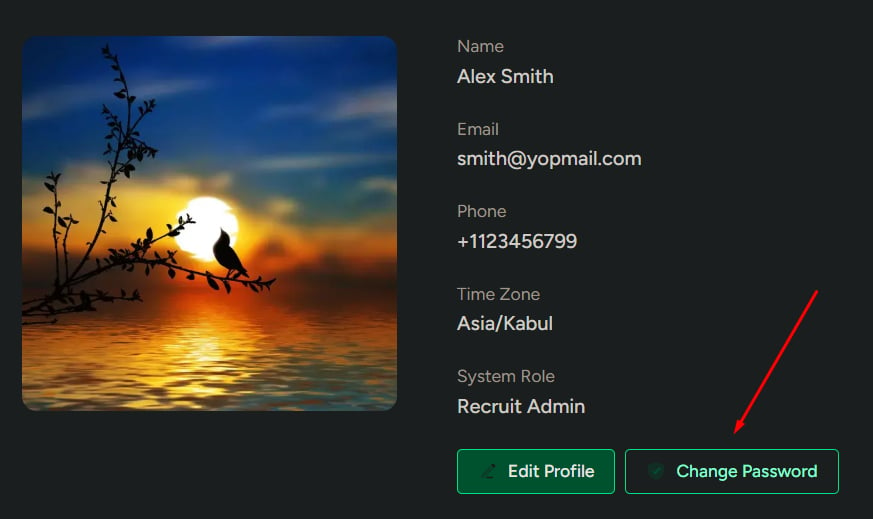
1
Click Change Password.
2
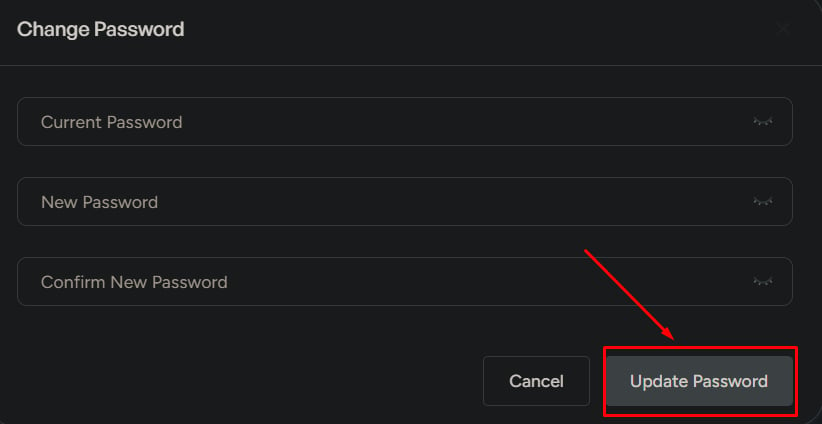
Enter:
- Current password
- New password
- Confirm new password
3
Click Update Password.
What to be careful about
- If your current password is incorrect, the update will fail
- Weak passwords reduce account security
- An incorrect time zone can affect scheduling and notifications