
.png?fit=max&auto=format&n=wMd7bxoi6I_Hm3IN&q=85&s=fe686234f9638b0fbfbc991ca32f7bc3)
This page is for managing existing employees. To track new joiners through onboarding, see Onboarding.
When to use this page
Open the People Directory when you need to:- Find employees quickly
- Review status, department, or creation date
- Update employee records
- Surface incomplete draft profiles
Open the People Directory
1
Open Employees
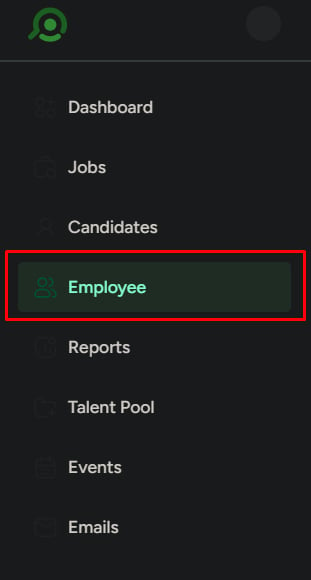
Click Employees in the left navigation menu.
2
Open People Directory
Select the People Directory tab. This is the main employee management area for active records.
What each row shows
Use the list to identify and select the right employee at a glance.Search employees
Use search when you know who you’re looking for.1
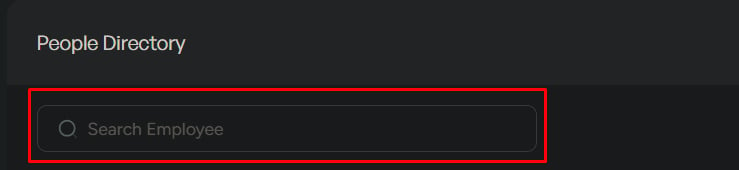
Search by employee name
Type the employee name in the search bar. Results update instantly.
Filter employees
Click Filter to narrow the list.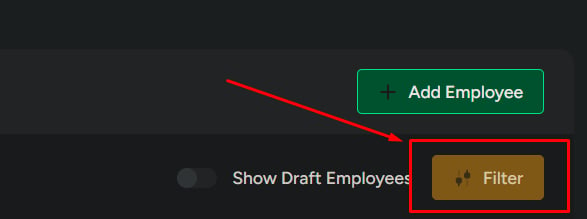
Show draft employees
Toggle Show Draft Employees to surface incomplete profiles.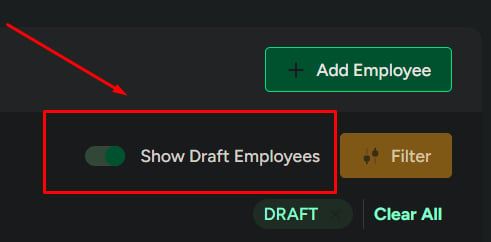
Actions from the list
Edit employee
Click Edit to correct or update details. Only update information that is confirmed and accurate.
Add employee
Click Add Employee to create a new employee record.


Related
Add an employee
Create a new employee record step by step.
View employee details
Open a profile to review or update full employee records.